

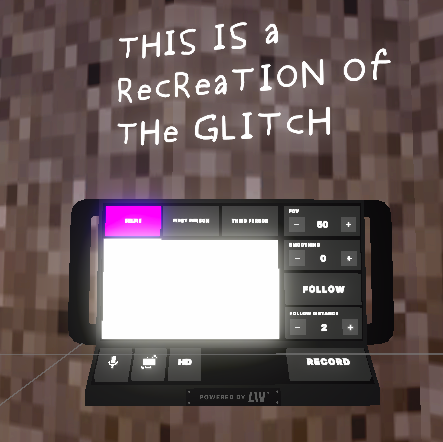
- Check you’re initialized the LCK Service by placing the LCK Service Helper prefab in scene or otherwise.
- The screen will always look white in the editor and start displaying footage in play/runtime.
- Set Target Architecture target to ARM64.
-
You can find this setting in Build Settings -> Player Settings -> Android -> Other
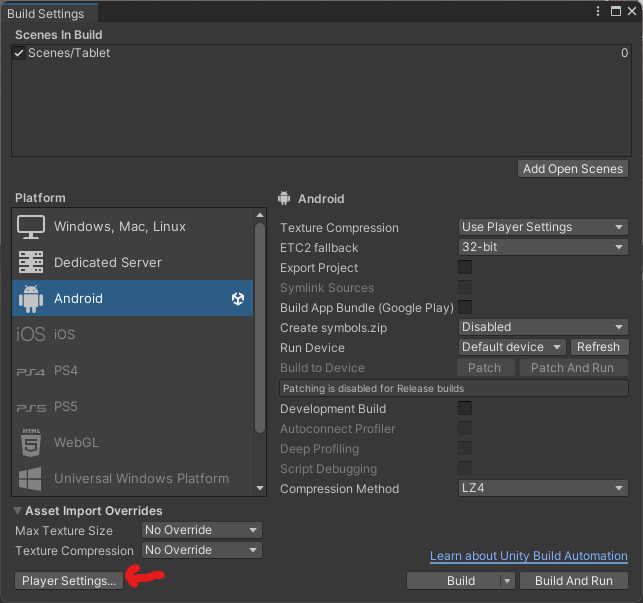
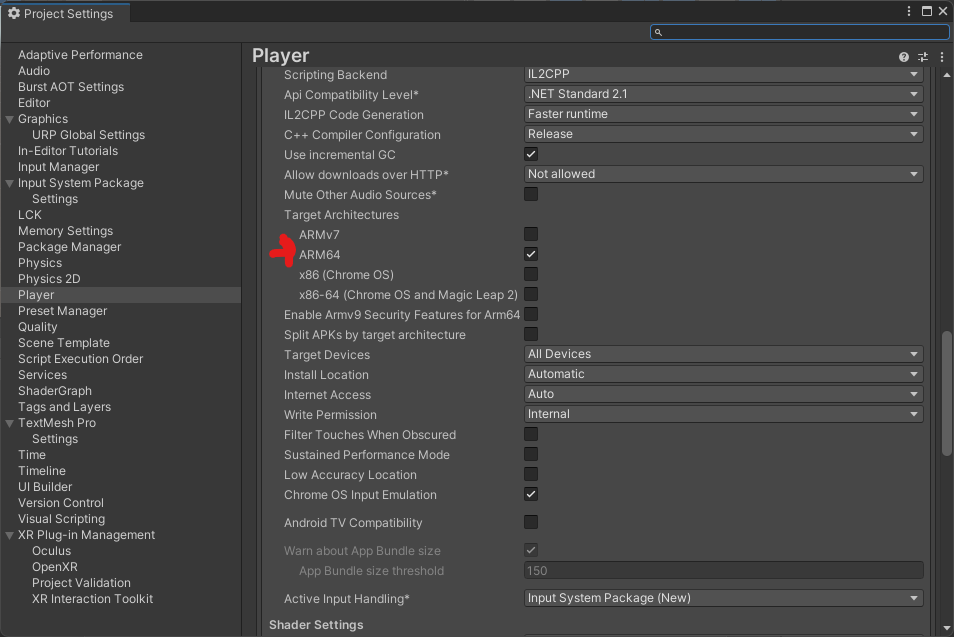
- If you’re unable to change it, verify in the player section in android other settings that lcc2p is selected
-
You can find this setting in Build Settings -> Player Settings -> Android -> Other
- [Android Only] Check you’re using Minimum API Level 32 or above.
- [Selfie Camera Issue Only] Turn on depth texture for the LCK selfie camera.