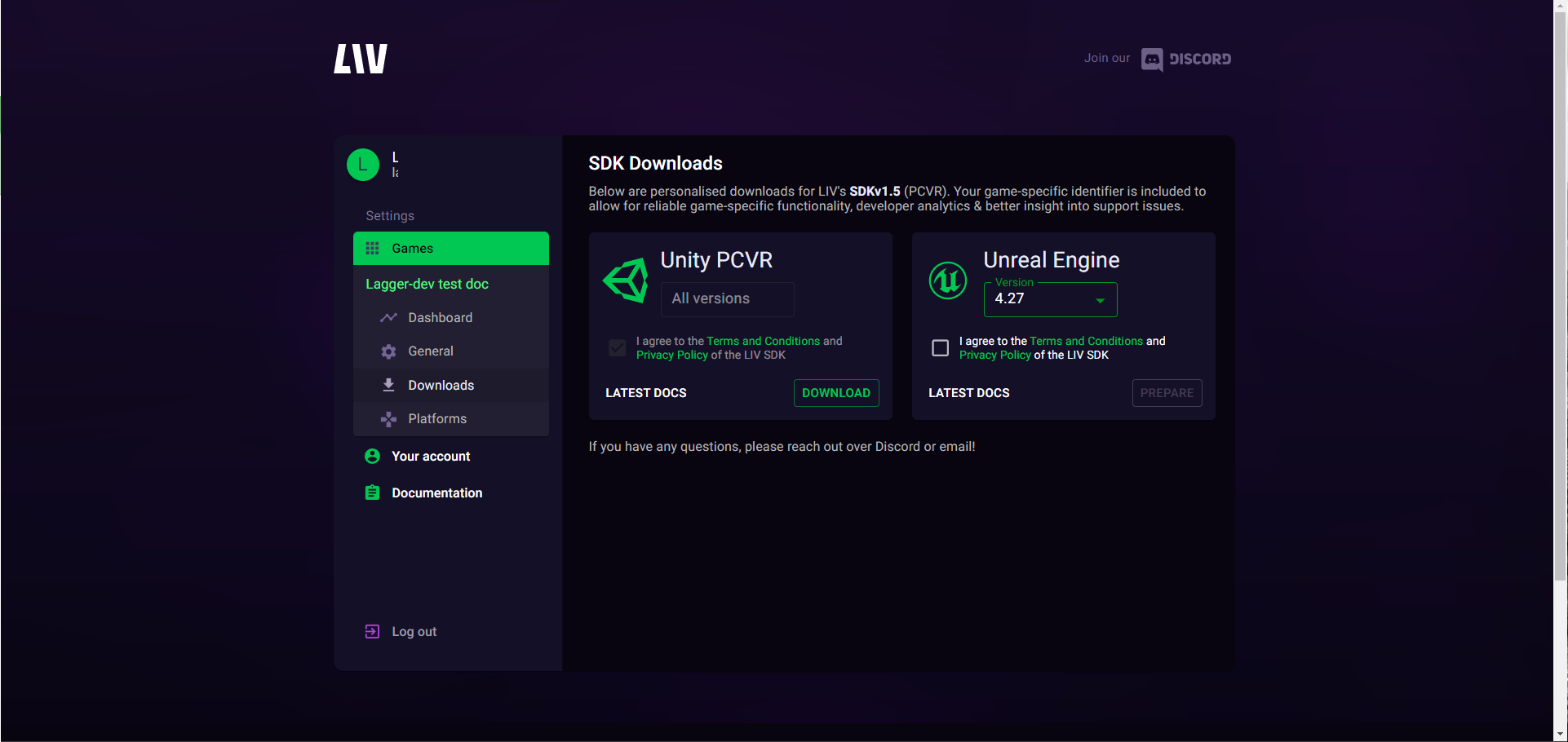
1
Register at dev.liv.tv with your work email
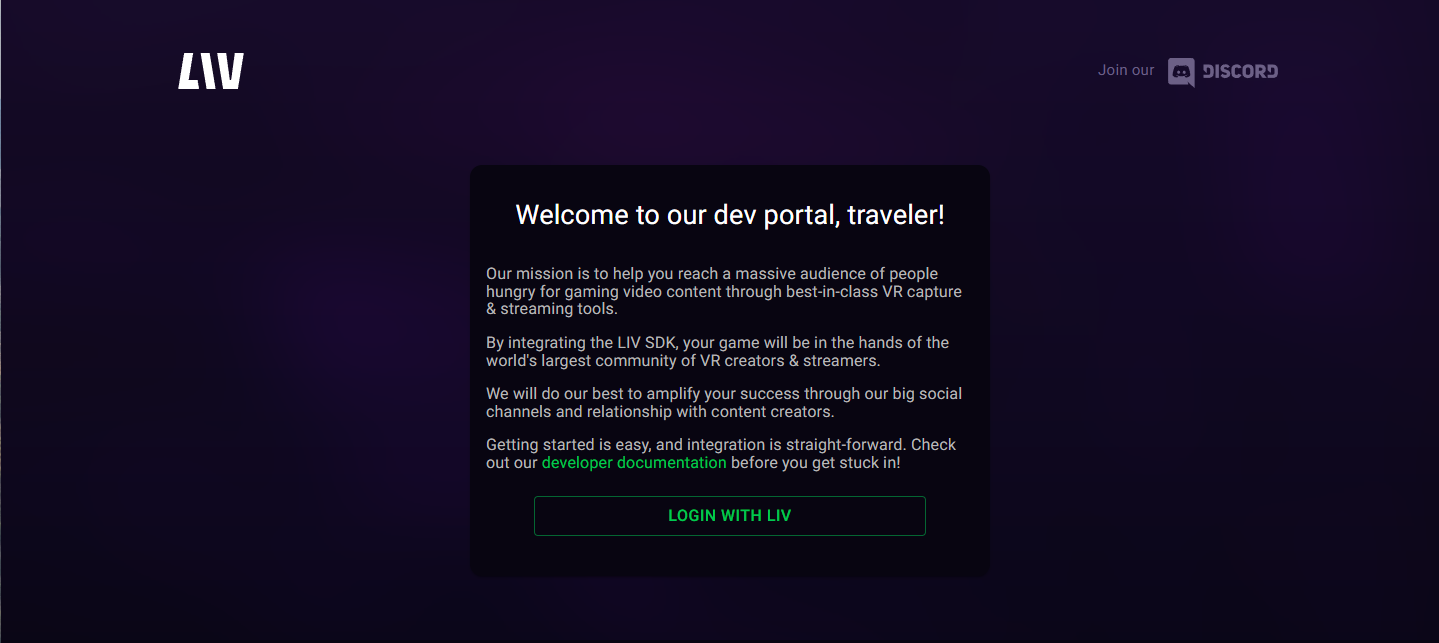
2
Create your account, using your business contact

3
Create your game record with LIV
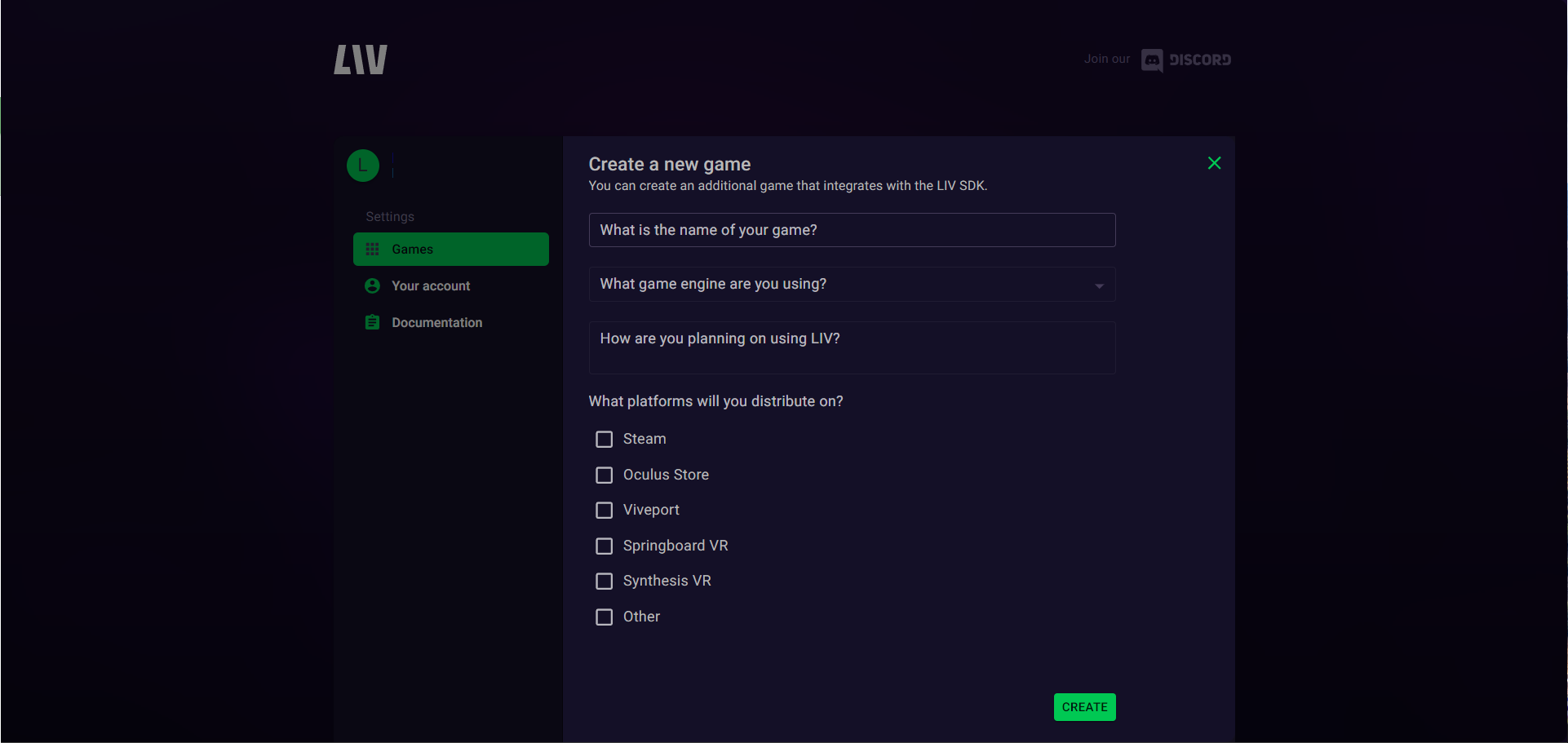
4
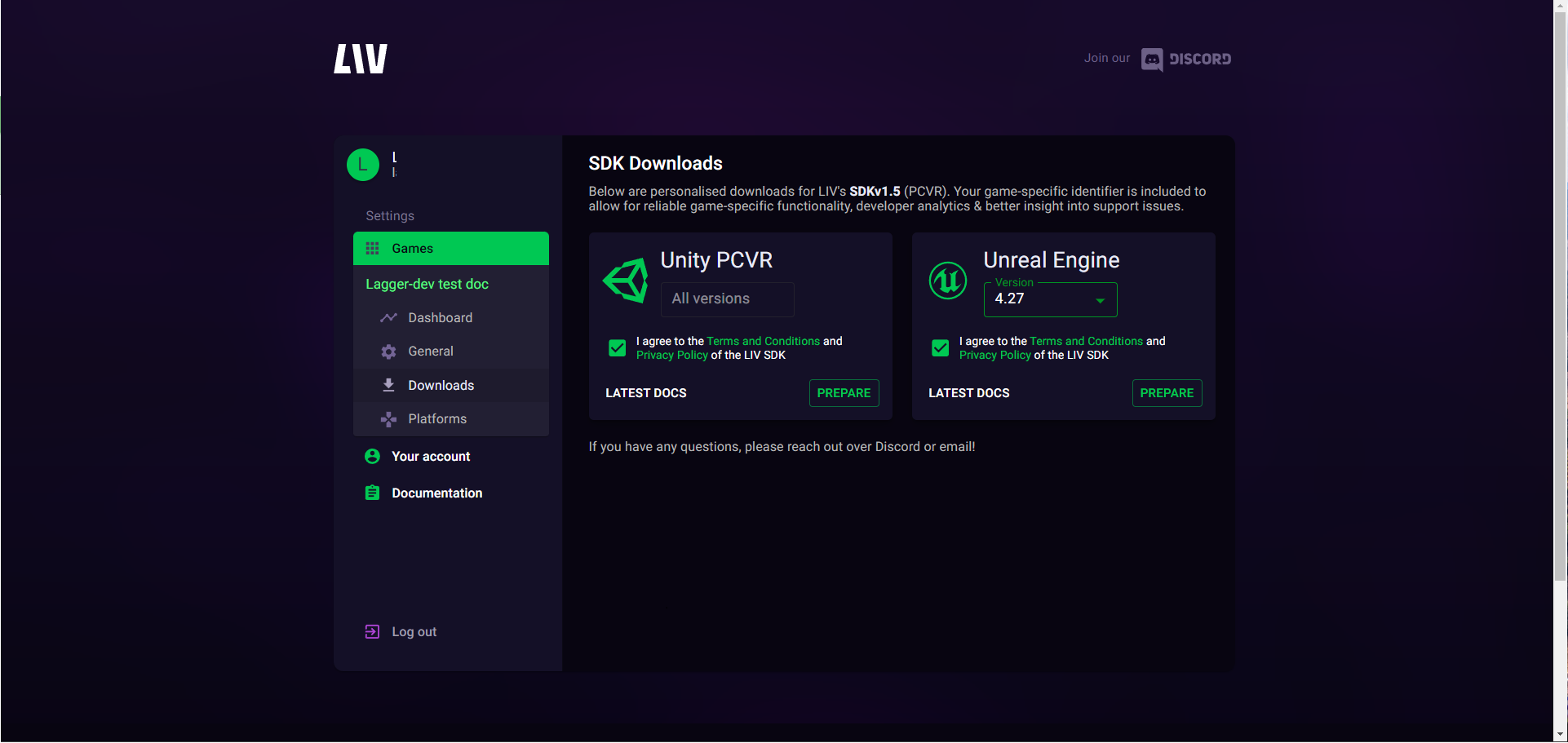
Select your game and navigate to Downloads
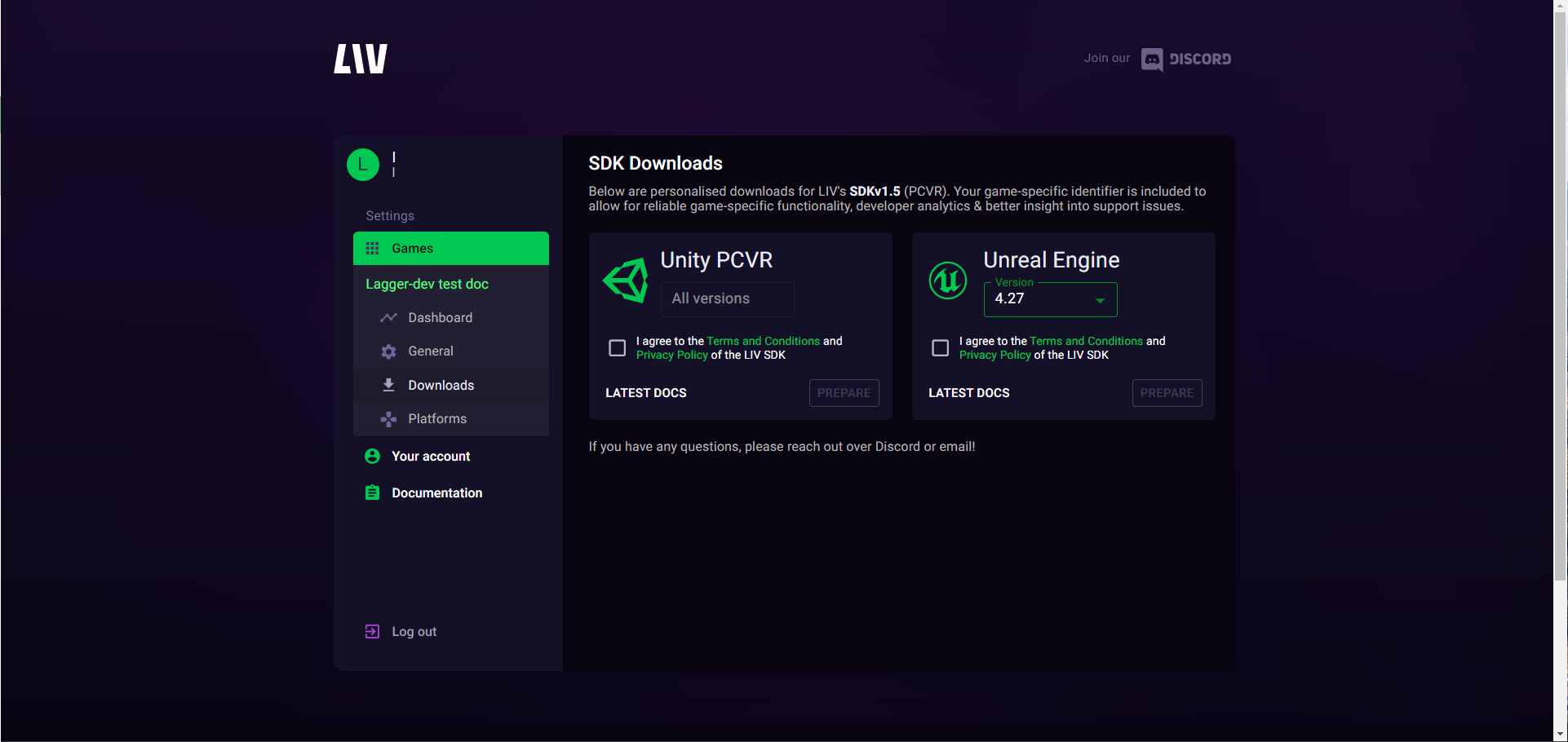
5
Agree to the Terms of Service, Privacy Policy, & SDK License Agreement
6
Generate your app specific SDK by selecting Prepare. Note, if you create a new game you’ll need a new SDK. Select Prepare
7
Download the SDK and you’re ready to move onto installation