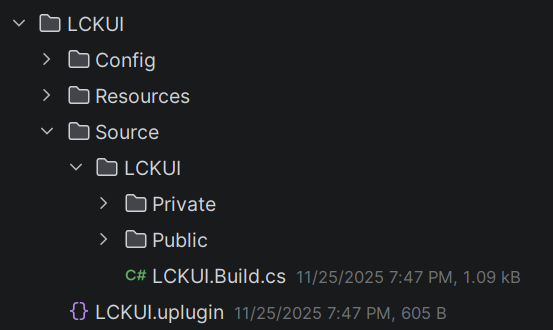
Enable interactions
Interaction with the UI is collision-based. The simplest way to enable interactions is to add a SphereCollider with 5-10mm radius to the index fingertip.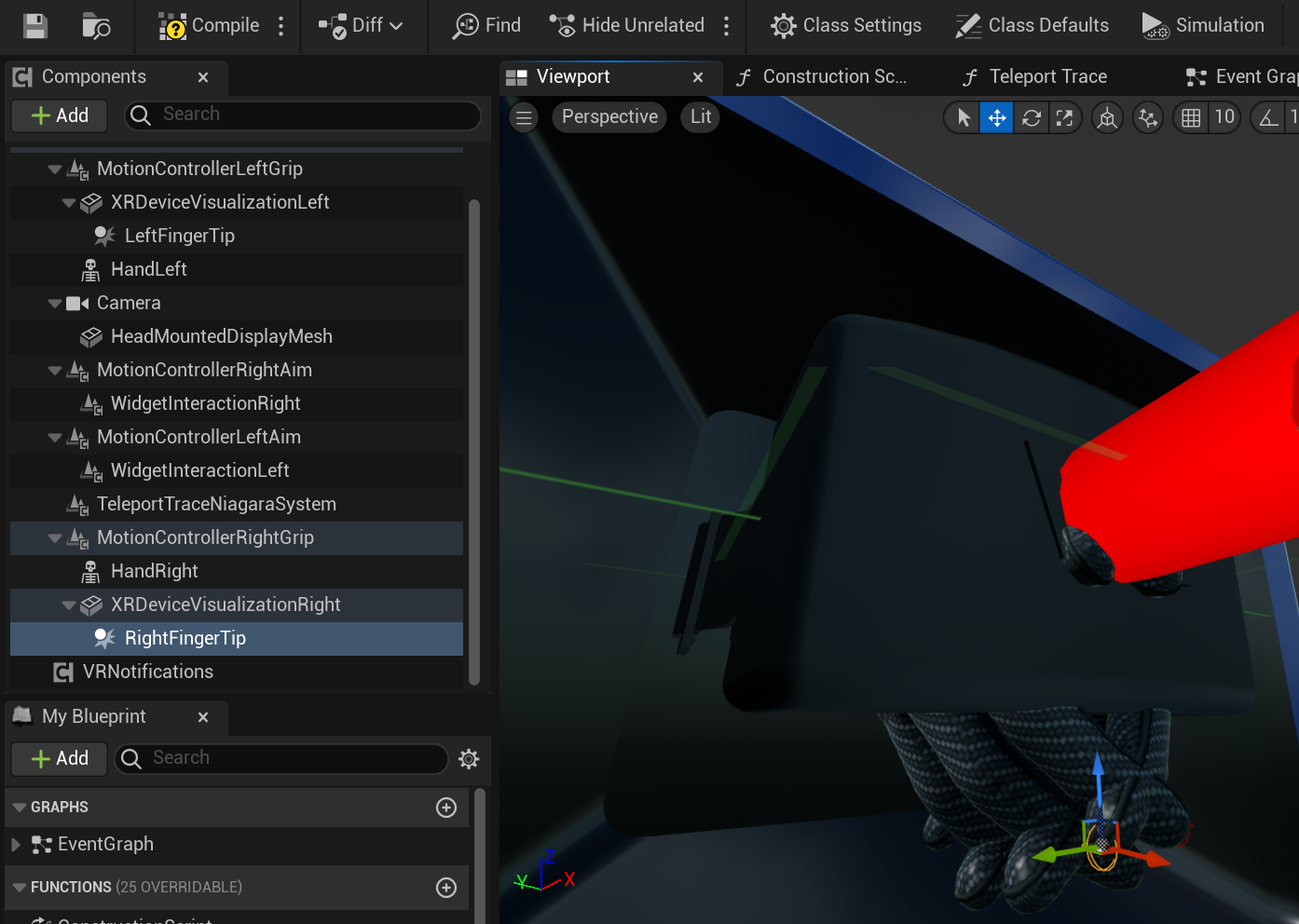
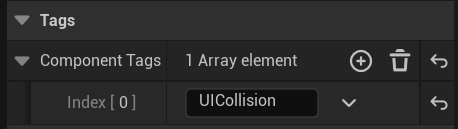
Enable grabbing
The UI doesn’t handle Grabbing mechanics. Assume that it’s game-specific and it’s up to developers to integrate this. This is an example of how you add the **GrabComponent **from the UE’s VR Template. Make sure that you call GrabStarted and GrabEnded methods on **LCKTablet. **You can set them up in C++ or Blueprint.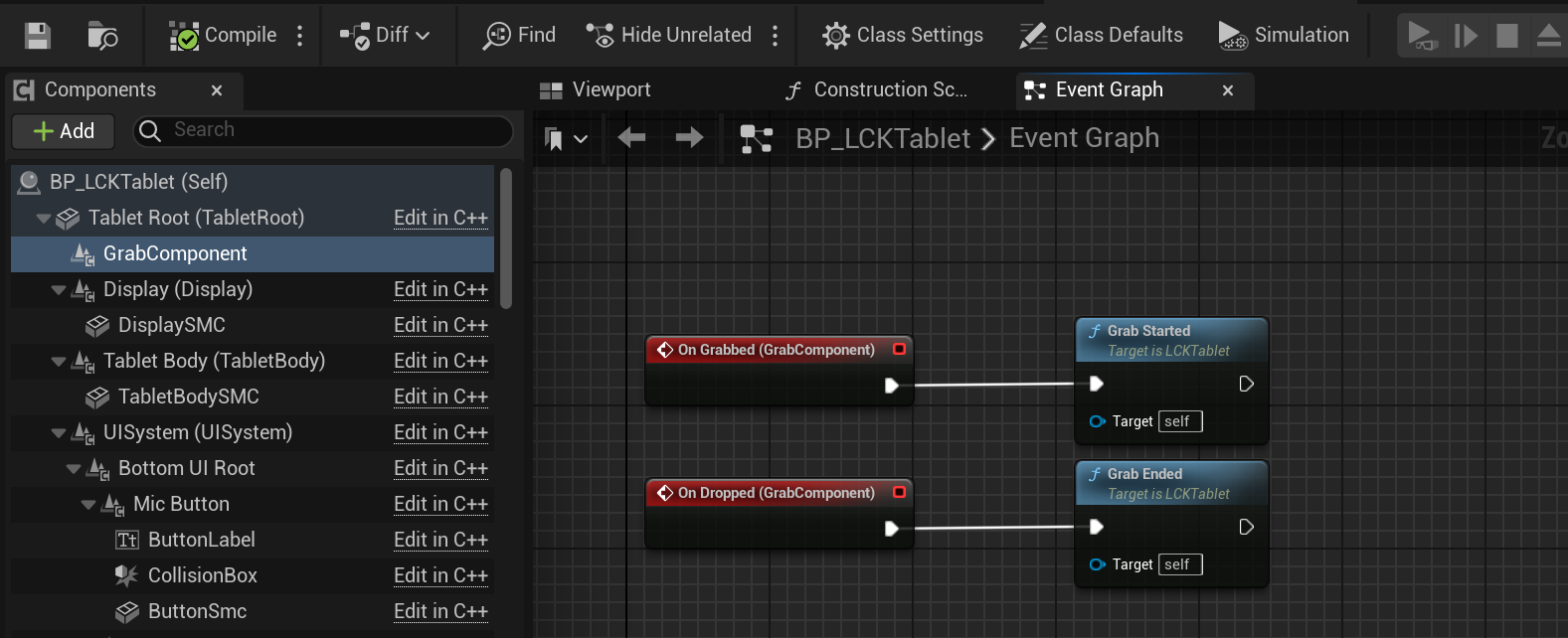
Sound and Haptic Feedback
TabletDataModel has a broadcast for a UI element being pressed. You can subscribe your own implementation to it.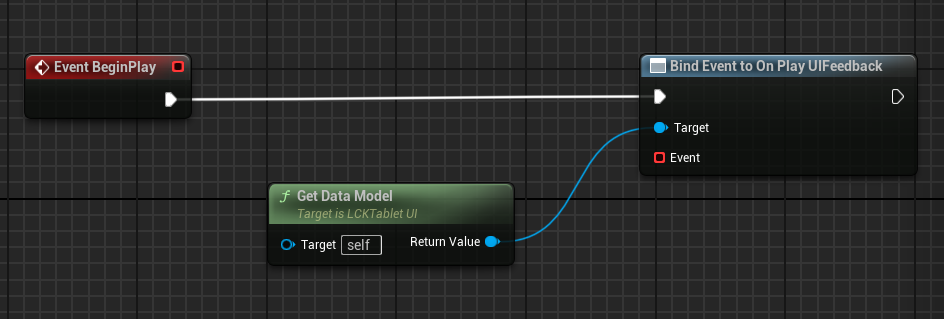
Emission && Lighting
Depending on how you use real-time lighting in your game you might want to tweak emission strength on the UI materials.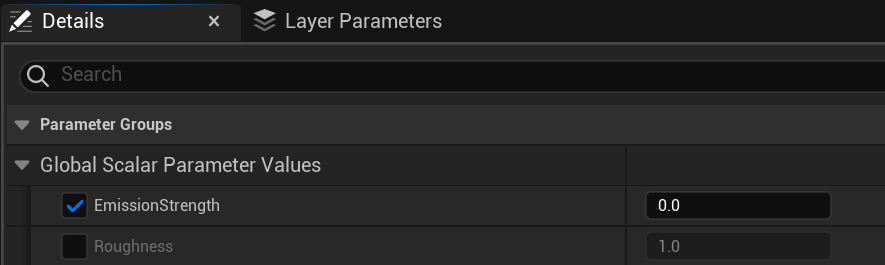
UI Customization
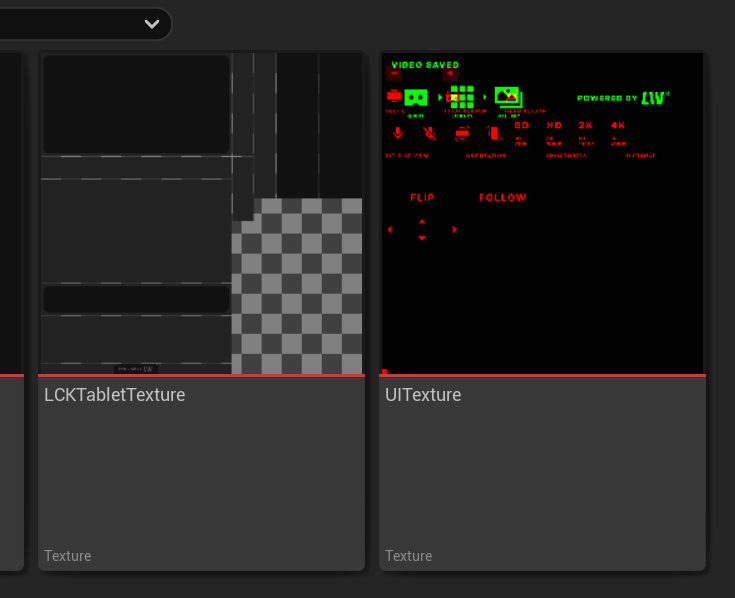
UI visuals defined by the UITexture asset. Update it to change the UI look. Update LCKTabletTexture asset to change how the tablet looks. A Figma source file will be shared later.