

ULCKBaseButton
Base class for all UI button components providing touch interaction, visual state management, and event delegation.Properties
Events
FOnTapStarted
Broadcast when button is tapped.
Methods
Example
ULCKToggle
Toggle button with on/off states and state-dependent icons.Properties
Methods
Derived Classes
ULCKRectToggle
ULCKRectToggle
Rectangle-shaped toggle button.
Example
ULCKRectButton
Rectangle-shaped button for text labels and actions.Derived Classes
ULCKRecordButton
Record button with time display and recording state visualization. ImplementsILCKRecordable.
Events
FOnRecordButtonPressed
Broadcast when record button is pressed.
Methods
Example
ULCKVideoQualityButton
Video quality selection button cycling through SD, HD, 2K, 4K presets.ULCKOnScreenButton
Button rendered on the display surface for in-viewport interaction.Derived Classes
Touch Interaction
Enabling Interactions
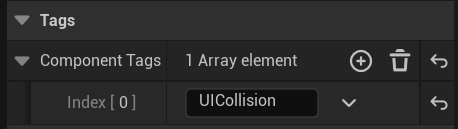
Interaction with the UI is collision-based. The simplest way to enable interactions is to add a SphereCollider with 5-10mm radius to the index fingertip.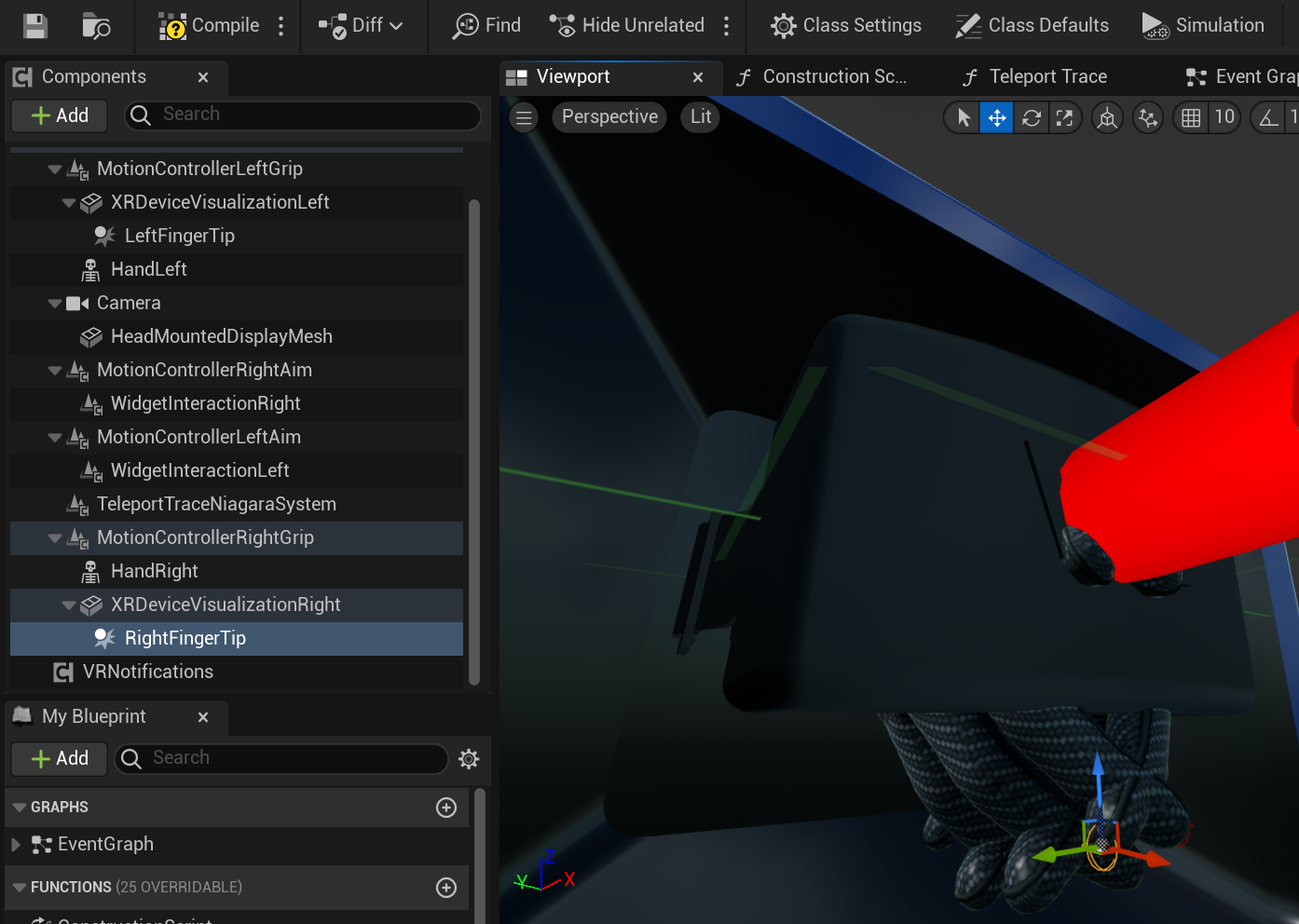
FLCKTapData
Touch event data structure.Interaction Direction
Configure which direction validates touch input:Cooldown
Buttons have a built-in 0.25s cooldown to prevent accidental double-taps. This is handled automatically byFLCKConstants::CoolDownTime.